
How Better Product Photos Build Trust on Shopify
Why polished product photos make Shopify stores feel more credible, how that helps shoppers buy with confidence, and how Klick turns weak product images into sales-ready visuals.
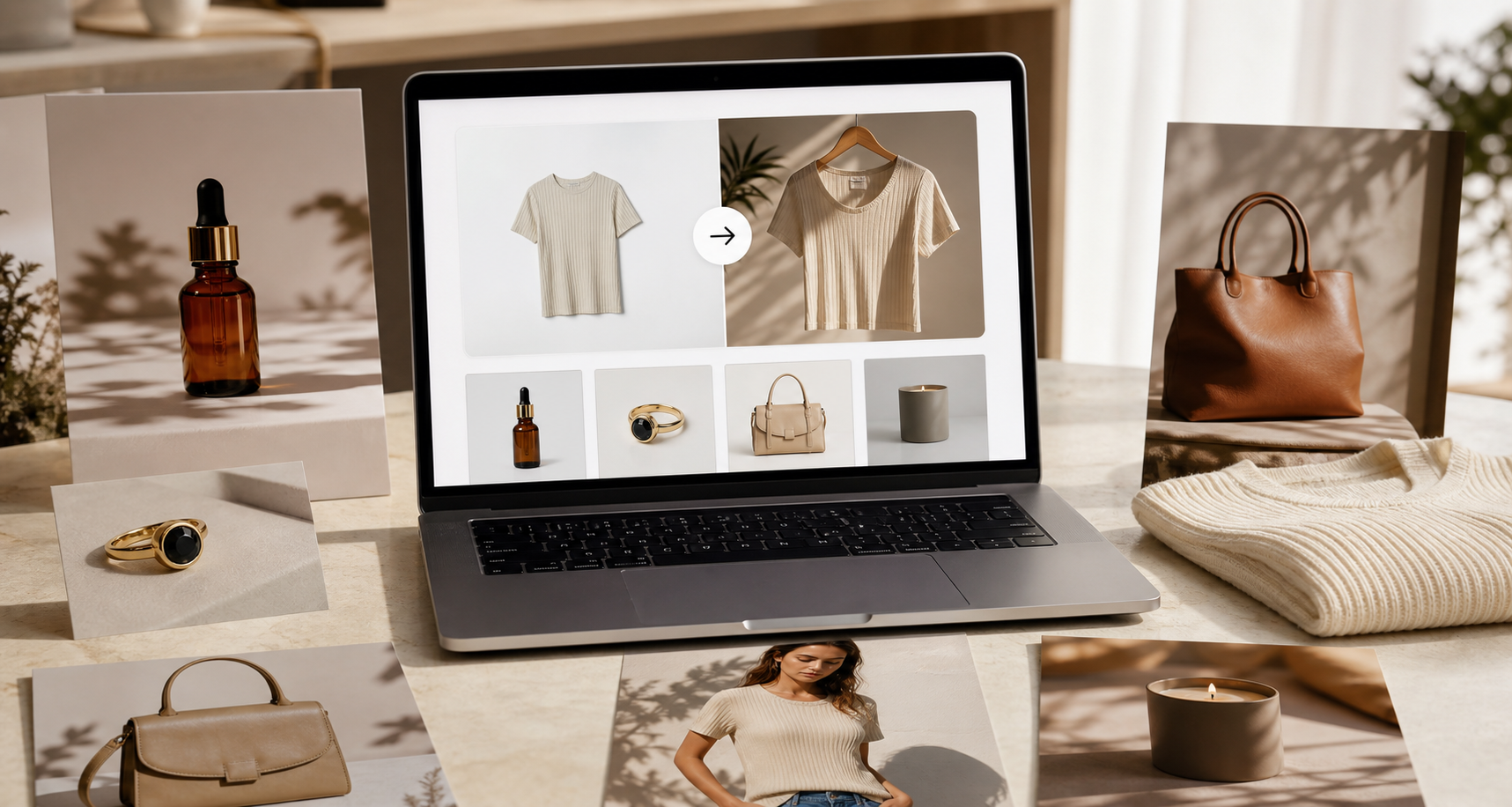
Trust is one of the quiet reasons a shopper decides to buy or leave. Before they read your product copy, compare prices, or check your shipping policy, they judge the photos. If the product images look rushed, inconsistent, or copied from a supplier catalog, the whole store feels less reliable.
Better product photos do not just make a page prettier. They help the shopper believe the product is real, the store is serious, and the brand is worth buying from.
Why photos carry so much weight
Online shoppers cannot touch the product. They cannot check the material, hold it in their hand, or see how it looks in normal light. Photos have to do that job.
Strong product images answer the questions that create hesitation:
- What does the product actually look like?
- How big is it?
- What does it feel like in a real setting?
- Does this store look professional enough to trust?
- Will the item match the quality I expect?
When the images are weak, shoppers have to guess. Guessing slows the purchase. In many cases, it stops the purchase completely.
What weak photos signal to buyers
A plain supplier image is not automatically bad, but it often sends the wrong message. Many Shopify stores use the same photos from the same suppliers, which makes the listing feel interchangeable. If the lighting, crop, background, and style change from product to product, the store starts to feel patched together.
That creates doubt. The shopper may still like the product, but the store does not feel like a brand yet.
Better photography fixes that first impression. A clean studio shot makes the listing easier to scan. A lifestyle image helps the shopper imagine using the product. A model photo gives scale, fit, and context. Together, they make the store feel more complete.
The product-page photo set that builds confidence
Most Shopify listings need more than one image. A stronger gallery usually includes:
- A clean main image. This should show the product clearly with controlled lighting and a simple background.
- A detail image. This helps shoppers inspect texture, shape, finish, or important features.
- A lifestyle image. This shows the product in the kind of world the customer wants to be part of.
- A scale or model image. This is useful for apparel, accessories, eyewear, jewelry, bags, and anything worn or held.
- A consistent brand image. This makes the gallery feel intentional instead of random.
The goal is not to overload the page. The goal is to remove doubt at every point where the shopper might hesitate.
Why this helps stores get more sales
Sales usually improve when the buying decision feels easier. Better photos help by making the product easier to understand and the store easier to trust.
For collection pages, polished main images can make more people click into the product. On product pages, a complete visual set can keep shoppers engaged longer. For ads and social, stronger visuals can make the same product feel more premium.
That is why photography is not only a design problem. It is a revenue problem.
Why use Klick instead of booking a shoot
Traditional product shoots work, but they are slow and expensive. You need the product, a photographer, a location, props, lighting, edits, and often a model. That can make sense for a large campaign, but it does not match the daily reality of a Shopify store that needs to test products quickly.
Klick is built for that daily workflow. It turns the product photos you already have into studio shots, lifestyle photos, ad creatives, and AI model images. You can start from a supplier photo or a simple phone photo, generate multiple options, and publish the finished images straight to Shopify.
That gives merchants three practical advantages:
- Speed. Update product visuals without waiting for a shoot.
- Cost control. Create more image variations without paying for a full production day.
- Consistency. Give your catalog a cleaner, more branded look across products.
For a store that is still finding winners, that speed matters. You can improve a weak listing today instead of planning a photoshoot next month.
Who should prioritize this first
Start with products where visuals do most of the selling:
- Apparel and accessories that need fit, scale, or styling context
- Cosmetics and skincare that need premium lighting and texture
- Eyewear and jewelry that need model or close-up shots
- Home goods that look better in a lifestyle scene
- Dropshipping products stuck with supplier images
- Best sellers that already get traffic but still look unfinished
You do not need to rebuild your whole store in one day. Pick the product that already has demand but does not look premium enough yet. Improve that listing first.
A simple workflow
- Choose a product with weak images.
- Upload the supplier or phone photo into Klick.
- Generate a clean studio main image.
- Add one lifestyle image and one model or scale image if the category needs it.
- Publish the strongest results to Shopify.
- Use the same visual direction for the next products in that category.
This is how a store starts to feel like a brand, one listing at a time.
Build trust before the shopper reads
Most shoppers will not study every paragraph on your product page. They will scan the visuals first. If the photos look credible, they keep going. If the photos feel cheap or copied, the page has to work much harder to recover.
Klick helps Shopify stores make that first impression stronger without a studio shoot. Try Klick and turn the product photos you already have into images that look ready to sell.