
How to Turn Plain Supplier Photos Into Product Photos That Sell
A practical workflow for dropshippers: take the basic supplier images you already have and turn them into studio shots and model campaigns for your Shopify store.
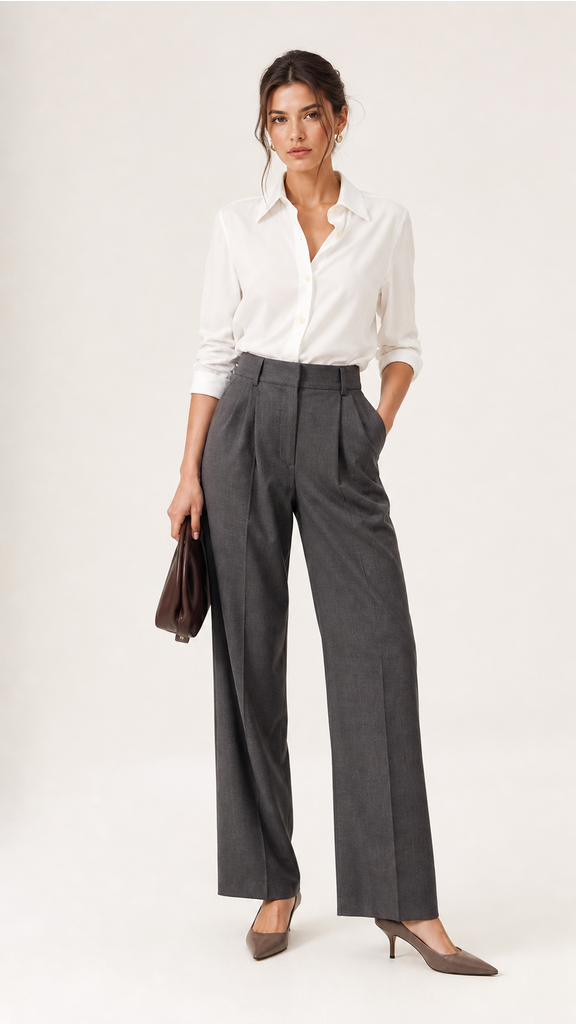
If you dropship, you already know the photo problem. The images your supplier sends are flat, inconsistent, often shot on a white seamless with harsh lighting, and frequently watermarked or shared by every other store selling the same product. Those photos do not build trust, and they do not sell. Here is how to fix that without booking a studio.
Why supplier photos hurt conversions
Supplier photos are made for catalogs, not for selling. They tend to share a few weaknesses:
- Generic framing that looks identical to your competitors.
- Inconsistent lighting and backgrounds across your catalog.
- No lifestyle or model context, so shoppers cannot picture using the product.
A shopper who lands on a listing with a tired supplier photo assumes the store is low effort. The same product in a styled shot reads as a real brand and earns the sale.
The workflow: supplier photo to brand-grade shot
You do not need to re-shoot anything. You need to re-stage what you already have.
1. Pick your weakest listings first
Start where the upside is largest: your best-selling products with the worst photos. A small improvement there moves real revenue.
2. Bring the supplier image in
Upload the supplier photo or import it by URL. The starting image only needs to clearly show the product. Klick uses it as the reference and rebuilds the scene around it.
3. Choose a look that fits the category
- Studio for clean, conversion-focused catalog shots.
- Lifestyle to show the product in a real setting.
- On a model for apparel, accessories, and anything worn or held.
4. Generate a few variations and curate
Produce several options and keep the strongest two or three. Variety lets you fill a gallery with a consistent set instead of a single image.
5. Publish to Shopify
Push the finished shots straight to the product. With Klick this happens inside your Shopify admin, so there is no export and re-upload loop.
How long does this take?
Each generated image takes about 30 seconds. A full product gallery is minutes of work, not the days a traditional shoot would require. At catalog scale, that is the difference between updating ten products and updating your entire store.
Do you own the new photos?
Yes. Images you generate are yours to sell and use in ads and social, which also solves the shared-supplier-photo problem, your listings stop looking like everyone else's.
Start with one product
Pick your worst-performing best-seller, run its supplier photo through the tool, and compare the listing before and after. Add Klick to Shopify to try it free.